

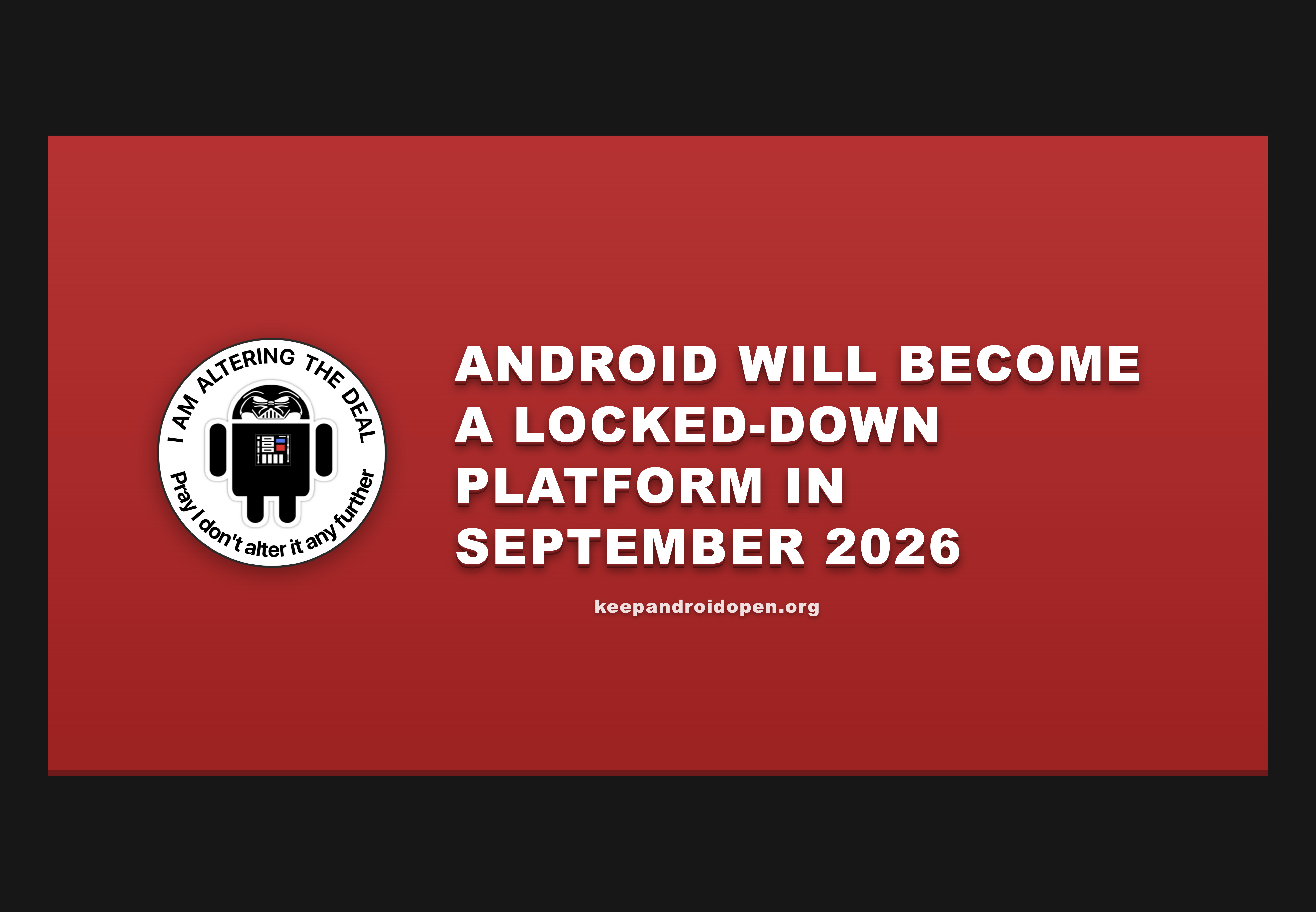
If you haven’t seen this yet, Google is planning to require mandatory developer identity verification for all Android apps, including apps distributed outside the Play Store, taking effect September 2026. This affects every independent and open source Android developer directly.
This is not just about the Play Store. After September 2026, on any certified Android device, applications from unverified developers will be blocked by default. The only proposed bypass, the “advanced flow”, exists only as a blog post and has not appeared in any beta, dev preview, or canary release. No one outside Google has seen it.
The community has been fighting back at keepandroidopen.org:
- Read the full breakdown of what this means
- Sign the open letter (organisations only)
- Contact your national regulators — contacts listed by country on the site
- Add the countdown banner to your project
September 2026 is closer than it looks. The time to push back is now.
Once per device you will need to wait 24 hours before installing unauthorized apps. That’s all the new restrictions do. It will basically not affect power users at all.
For scammers, the 24 hour waiting period completely breaks their scams. They won’t be able to trick people into installing malware if they have to call back to resume the scam the next day. Google said that was their goal and their new solution actually does this without impeding power users.
Google found the balance that we were asking them for, yet people won’t stop complaining and even lying about it in posts like this. Maybe that energy is why the users won this time, but either way, take that energy and fight any of the thousands of real fights.
“Will not affect power users at all” is just not true. I will now have to wait an entire day before I can start using my next phone. Well, either that or android-translation-layer advances enough for me to switch to a Linux phone full-time.
Sideloading APKs is an easy vector but so is the Google Play Store. It’ll take scammers like 5 minutes to just perma move to GPlay shenanigans, and its already well known to have poor quality control and tons of malware available to download with the useless play protect logo.
This is just Google’s public justification for creating their walled garden. They already pulled this exact scam with Chinese OEMs which is how Huawei got banned, and others stopped selling in the US. They huffed up some story about CCP spyware and then mandated that GPlay be installed in full, otherwise face consequences from congress.
Even Samsung got pulled in and they essentially agreed to use GApps as the de facto communication suite for their phones in exchange for allowing Samsung to continue to use their Galaxy store.
They see stuff like AOSP as a threat because anyone can just fork the OS and make their own non google Android, and they don’t want any OEM to replace GPlay like what Motorola is attempting right now (hence the increased urgency to lock down Android).
Google’s monopoly in the mobile space revolves around every phone using GPlay, so they’ll do anything to maintain their control.
Got a link boss? You’ll excuse me if I don’t take your word for it and all that
The website linked above lays out the change https://keepandroidopen.org/
https://android-developers.googleblog.com/2026/03/android-developer-verification.html
That is all true, however it seems like a slippery slope to me.
To stop scams, it would instead be a good idea to block app installation (of ANY apps including in the Play Store) when the screen is being monitored or a call is active.
Then when sideloading apps, grey out the install button for 3 seconds to hopefully pull the user out of any mindless flow state a scammer has put them in.
For a start, there’s no reliable way to detect when the screen is “being monitored”. You’re presumably thinking of remote control apps but they use the accessibility API which is something many users with visual impairment have enabled all the time, for things like screen readers.
Basically all of them use the “Cast” feature, so you just need to detect that.
Or we stop babyproofing the world for fools. Imagine a car that only ran gas from approved gas stations because someone was caught inhaling unapproved gas when someone else told them it would heal their sickness.
Maybe we could just have a switch for normal/expert user, with a warning that expert user mode should never be enabled if you’re not an expert. That’s it.